 Auraz Tech
How to Use Split Screen on Android (Multitask Like a Pro)
Watching a tutorial while taking notes. Copying an address from a message into Maps. Comparing prices across two shopping apps. Split screen — running two apps side by side on one display — turns these app-switching chores into a single glance, and it's been built into Android since version 7. Yet most owners never use it, usually because the gesture is slightly different on every brand. Here's how to trigger it on yours, plus the pro techniques that make it genuinely useful.
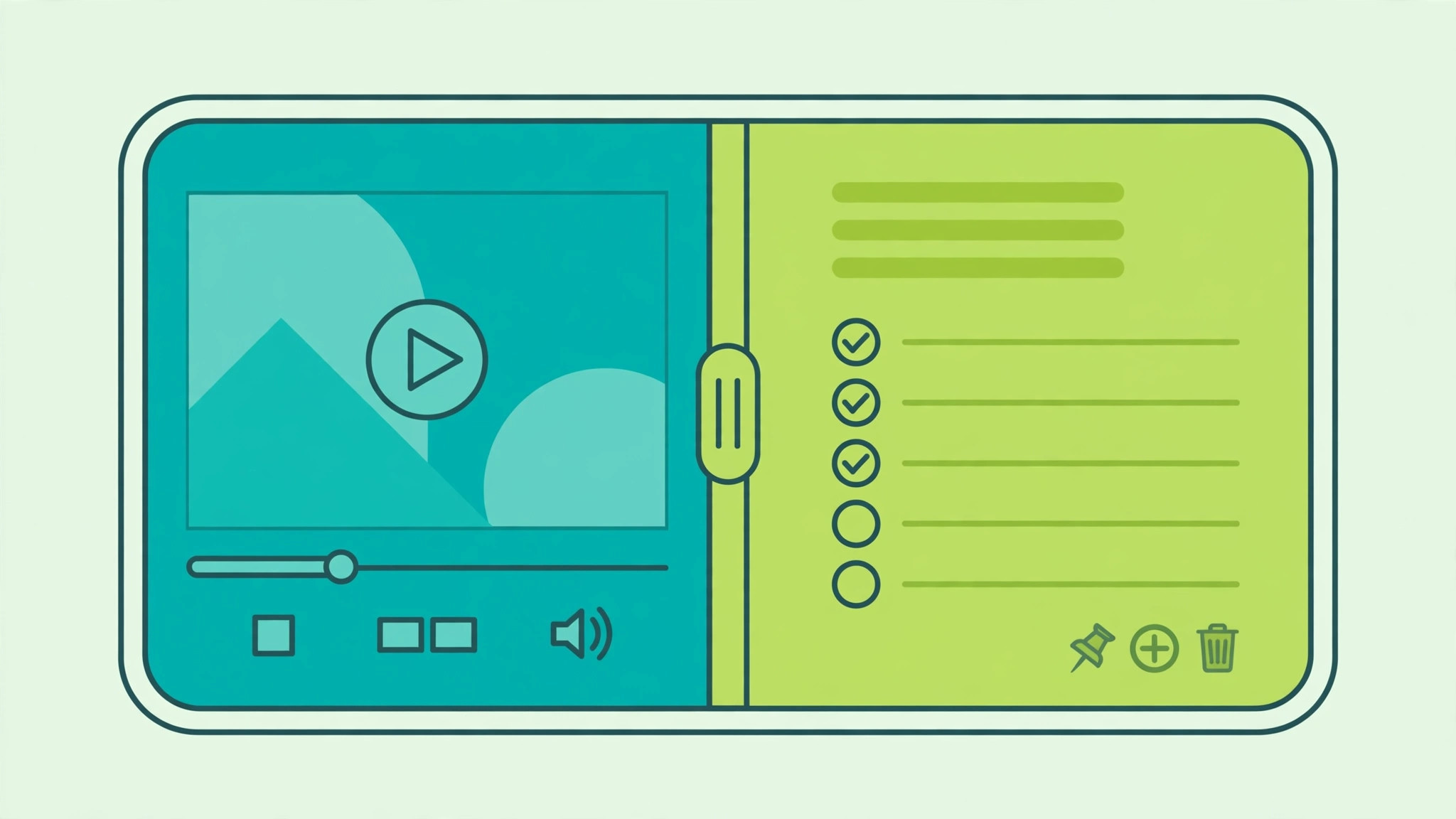
The Universal Method (Android 9 and Newer)
- Open the first app you want (e.g., YouTube).
- Open the Recents view: swipe up from the bottom and hold (gesture navigation), or tap the square Recents button (3-button navigation).
- Tap the app's icon at the top of its preview card — not the card itself, the small icon.
- Tap Split screen (on some phones it's called Open in split screen view).
- The first app docks to the top (or left in landscape). Now tap any other app from your home screen or app drawer to fill the second half.
A divider bar appears between the apps — drag it to give one app more space. To exit, drag the divider all the way to the top or bottom edge, or tap the divider and choose the X.
Brand-Specific Shortcuts
Samsung (One UI)
Samsung offers the richest multitasking on Android:
- Recents method: as above — tap the app icon in Recents > Open in split screen view.
- Edge Panel: open the Edge panel (swipe in from the screen edge), long-press an app icon, and drag it to the top or bottom half of the screen.
- App pairs: with two apps in split screen, tap the divider's three-dot menu > Save app pair to the Edge panel — next time, one tap launches both together. Perfect for your "notes + browser" research combo.
- Pop-up view: drag any app from the Edge panel to the center for a floating window on top of split screen — three apps at once.
Google Pixel (Stock Android)
Use the universal Recents-icon method. Pixels also support drag and drop between the halves: long-press text or an image in one app and drag it across the divider into the other — great for dragging a photo into a message or an address into Maps.
Xiaomi / Redmi / Poco (MIUI / HyperOS)
Universal method works, plus: open Recents, long-press a preview card and tap the split-screen icon (two rectangles). Xiaomi also supports floating windows: in Recents, tap and hold a card and choose the floating window icon for a resizable overlay.
OnePlus / Oppo / Realme
Universal method, plus a handy gesture: enable Settings > Special features > Split screen (or Settings > Utilities on OnePlus) to allow swiping up with three fingers to instantly split the current app. Fastest trigger of any brand once muscle memory kicks in.
Pro Techniques That Make It Worthwhile
- 70/30 splits: you don't have to go 50/50 — drag the divider so the video is a slim strip while your notes app gets the bulk of the screen.
- Landscape for documents: rotate to landscape with Docs + browser side by side for serious writing sessions.
- Copy-paste across apps: select text in one half, and Android's copy bar works across the divider — no app switching.
- Picture-in-picture + split: start a video PiP (tap home during playback), then split two other apps beneath it. Yes, three visible apps.
- Swap halves: on Samsung, tap the divider dots and choose Switch windows to flip which app is on top.
Which Apps Don't Support Split Screen?
Most apps work, but some opt out — typically games, camera apps, and a few banking apps (for security). If Split screen is grayed out for an app, the developer disabled it and there's no override without root. You can force it experimentally via Developer options > Force activities to be resizable, but expect visual glitches — use it only for reading-style apps.
Split Screen vs. Pop-Up View: When to Use Which
- Split screen: two apps you interact with equally (notes + video, chat + maps).
- Pop-up/floating window: a quick-reference app over your main task (calculator over a shopping app).
- Picture-in-picture: passive video while you work in a full-screen app.
Split Screen on Tablets and Foldables
Split screen truly shines on bigger displays, where both apps get genuinely usable space:
- Tablets: the same Recents-icon method works, but landscape tablets give each app a near-phone-sized area. Samsung tablets add a taskbar — drag any app from it directly into split view. Consider DeX mode on Samsung tablets for a desktop-style multi-window experience with resizable, overlapping windows.
- Foldables (Galaxy Z Fold, Pixel Fold, OnePlus Open): these are multitasking monsters. Open an app on the cover screen, unfold, and it expands; then drag a second app from the taskbar to either side. The wide inner display comfortably fits two full apps plus a floating pop-up window.
- App continuity tip: on foldables, enable Settings > Display > Continue apps on fold so your split layout survives folding and unfolding.
If you multitask heavily, a tablet or foldable changes the equation entirely — split screen goes from "useful trick" to "primary workflow," especially paired with a Bluetooth keyboard for writing and research sessions.
Split Screen Not Working? Troubleshooting Guide
If split screen refuses to cooperate, run through these fixes:
- "App doesn't support split screen": some apps (mostly games and a few banking apps) opt out. You can force it via Developer options > Force activities to be resizable — enable it, restart the phone, and try again. Results vary: some apps work perfectly, others render oddly.
- Gesture navigation confusion: with gestures enabled, the Recents screen is reached by swiping up and holding. If the app icon menu doesn't appear, make sure you're tapping the app's icon at the top of its Recents card, not the card itself.
- Split option missing entirely: check Settings > System > Gestures (Pixel) or your launcher settings — some third-party launchers (Nova, Niagara) handle Recents differently. Also confirm you're on Android 9 or newer; older versions lack the feature.
- One app keeps closing: aggressive battery optimization kills backgrounded apps. Exclude both apps: Settings > Apps > [app] > Battery > Unrestricted.
- Screen rotation breaks the layout: this is normal — rotating exits split screen on most phones. Lock orientation (Quick Settings > Auto-rotate off) before starting if it bothers you.
- After a system update: the split-screen gesture sometimes changes between Android versions (the long-press-Recents method died in Android 9, for example). If your old muscle memory stopped working, re-learn the current method rather than assuming it's broken.
FAQ
Why is the split screen option missing on my phone?
Make sure you're tapping the app icon in the Recents view, not the preview card — the option hides behind the icon on Android 9+. On very old phones (Android 7–8), long-press the Recents button instead.
Can I use split screen in landscape mode?
Yes — rotate the phone and the apps arrange side by side horizontally, which is ideal for documents and spreadsheets.
Does split screen drain battery faster?
Marginally — two active apps use more resources than one. But it's far more efficient than constantly switching between apps, which forces repeated reloads.
How do I save my favorite app pairs?
On Samsung: with the pair open, tap the divider's three dots > Save app pair to the Edge panel. On other brands, some third-party launchers offer similar shortcuts, but there's no stock-Android equivalent yet.